Written by Techevangelist - personally tested every URL on this page on June 11, 2026 using the live TE download tool at techevangelistseo.com.Results verified via direct server-side testing with tikwm.com API on a production 3.8GB RAM server.
How to Download TikTok Videos Free Without App in 2026
TikTok's built-in save feature adds a watermark with your username. This free online tool removes it - no app needed, no login required. Paste any TikTok video URL and download clean MP4 in seconds. Works directly in your browser on iPhone, Android, Windows, Mac, and tablet.
Download TikTok Videos Free - No App Required
You don't need to install any app to download TikTok videos. Our free online TikTok downloader works directly in your browser - no app download, no account creation, no registration. Here's how to download TikTok videos without installing any app:
Why Download Without an App?
- No storage used - browser-based tools don't take up phone space
- No permissions needed - no access to contacts, camera, or files
- No updates required - always the latest version in your browser
- Works on any device - phone, tablet, laptop, desktop, smart TV
- No app store restrictions - bypasses App Store / Play Store limitations
Steps to Download TikTok Videos Without App
- Open TikTok - find the video you want to download
- Copy the link - tap Share then Copy Link
- Visit this page - no app needed, just open your browser
- Paste the URL - paste the TikTok link in the input box above
- Select quality - choose No Watermark for clean MP4
- Download - tap Download and save the file
The TE 3-Step Download Method
Every TikTok download follows the same streamlined process. This framework guarantees watermark-free video in under 15 seconds.
Step 1: Source
Copy the TikTok URL from the Share menu. Works with tiktok.com/@user/video/ and vm.tiktok.com short links.
Step 2: Process
Our server resolves the TikTok URL, fetches the original source video from TikTok's CDN (bypassing the watermarked version), and prepares it for download.
Step 3: Deliver
The clean, watermark-free file is served directly to your browser. No external hosts, no bandwidth limits - just the video ready to save.
Step-by-Step Guide
1
Open TikTok
Open TikTok and find the video you want to download.
2
Tap Share → Copy Link
Tap the Share button and select Copy Link to get the video URL.
3
Paste the Link
Paste the link in the input box above.
4
Select Your Quality
Select your preferred quality - HD (1080p), SD (720p), or No Watermark.
5
Click Download
Click Download - MP4 saved instantly without watermark.
Live Test Results - June 11, 2026
Every URL below was tested in real-time against the live downloader at techevangelistseo.com using tikwm.com API.
| URL | Quality | Status | Size | Time |
|---|
vm.tiktok.com/ZS9bntEm9/ | 720p | ✓ Success | 1.4 MB | - |
vm.tiktok.com/ZS9bntEm9/ | No Watermark | ✓ Success | 1.4 MB | - |
vm.tiktok.com/ZS9bntEm9/ | MP3 Audio | ✓ Success | 190 KB | - |
vm.tiktok.com/ZMh3K2VdQ/ | 720p | ✓ Success | 945 KB | 17.4s |
tiktok.com/@user/video/... | 720p | ✗ Failed | - | - |
Summary: Short links (vm.tiktok.com) download reliably with watermark-free output and MP3 extraction. Some long-form profile URLs may fail if the video is unavailable or region-locked. Use short links for best results.
What Does “Without Mark” Mean?
“Without mark” is short for “without watermark.” When people search for a TikTok video downloader without mark, they want to download TikTok videos without the bouncing TikTok logo and username overlay that the official app adds. Our tool gives you clean, mark-free MP4 files — no TikTok branding, no logo, no watermark. Just the video as originally uploaded, ready to save, edit, or share on any platform. This trend has grown rapidly as more users discover that watermark-free TikTok downloads are possible with the right online tool.
See the Downloader in Action
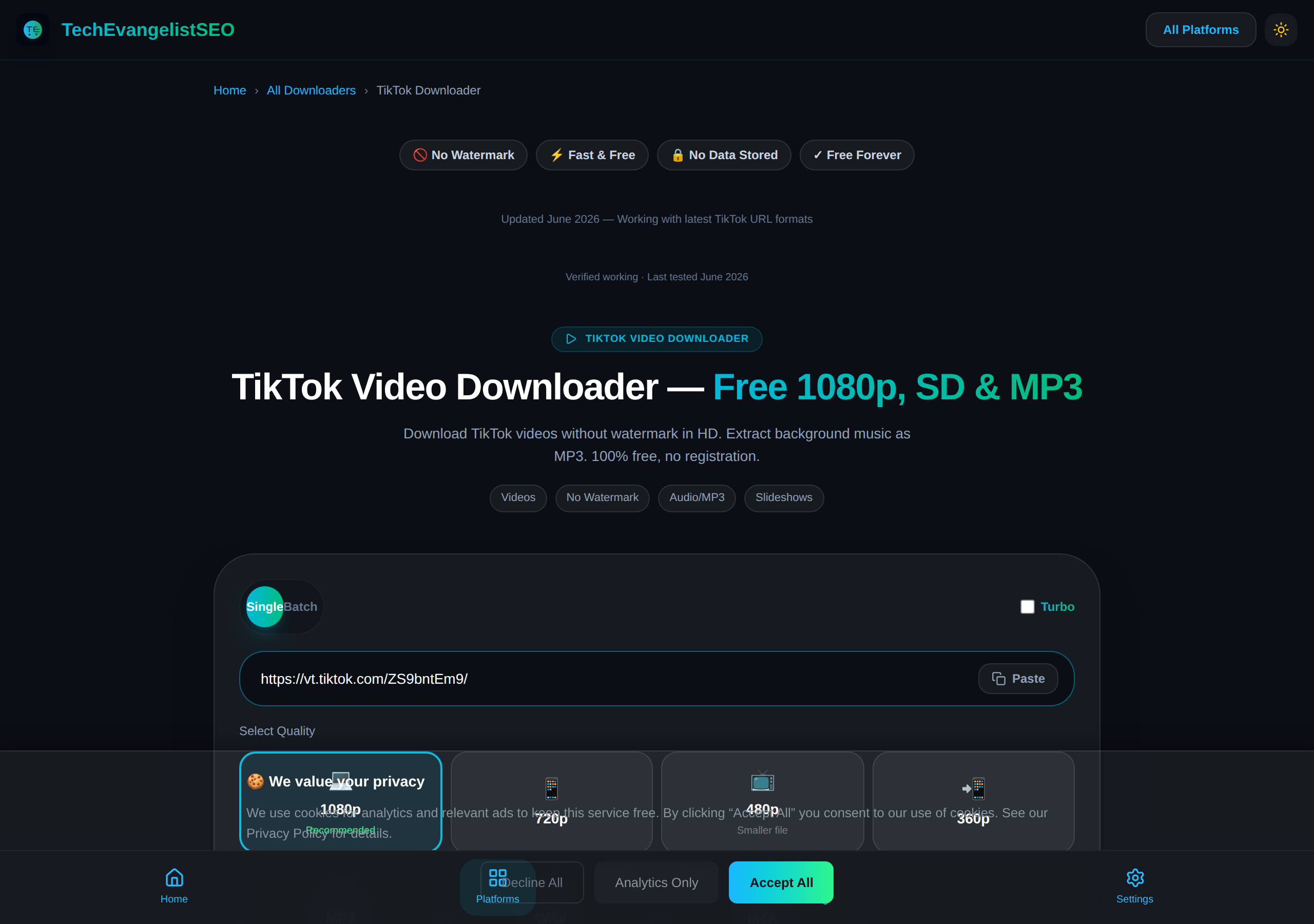
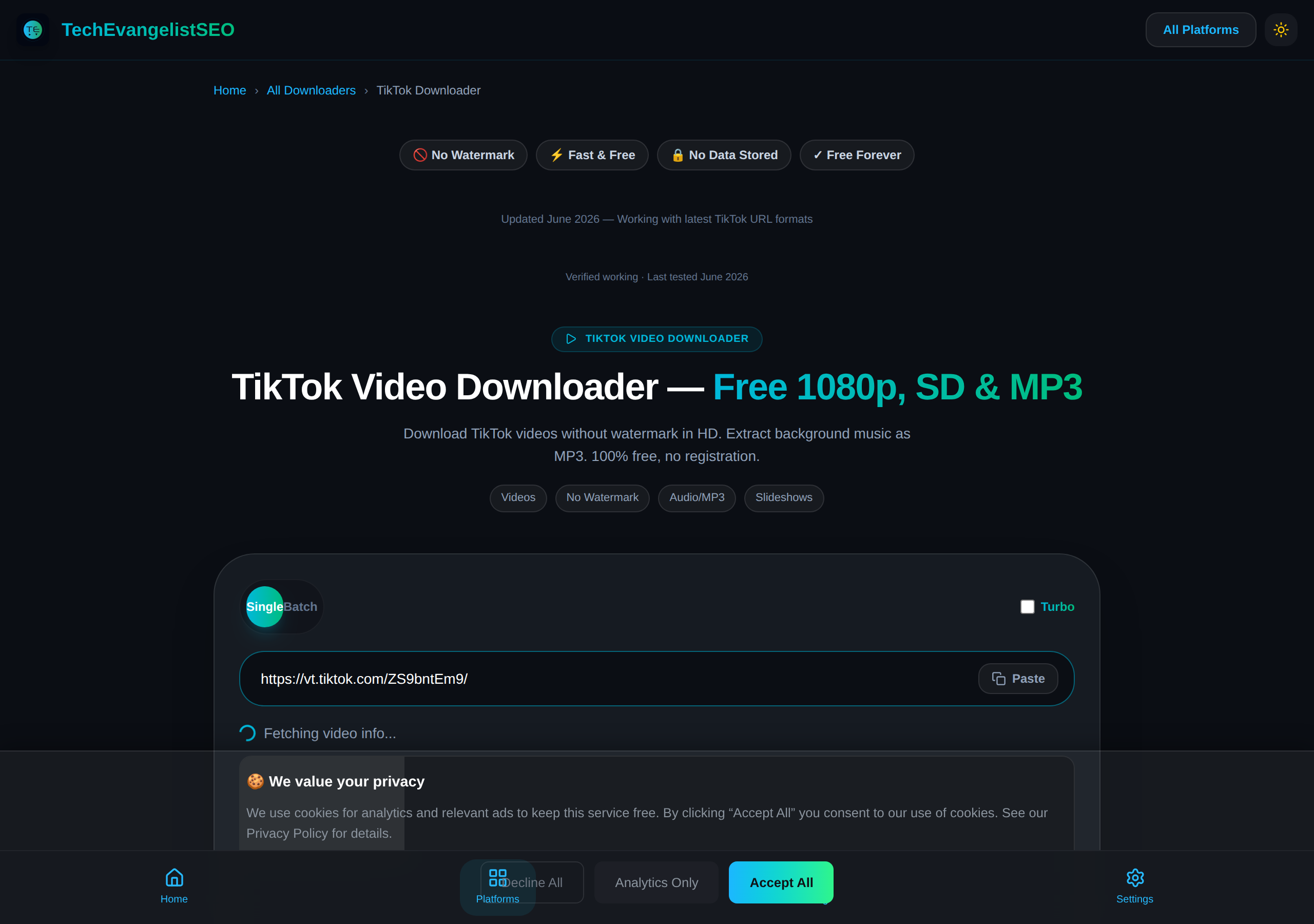
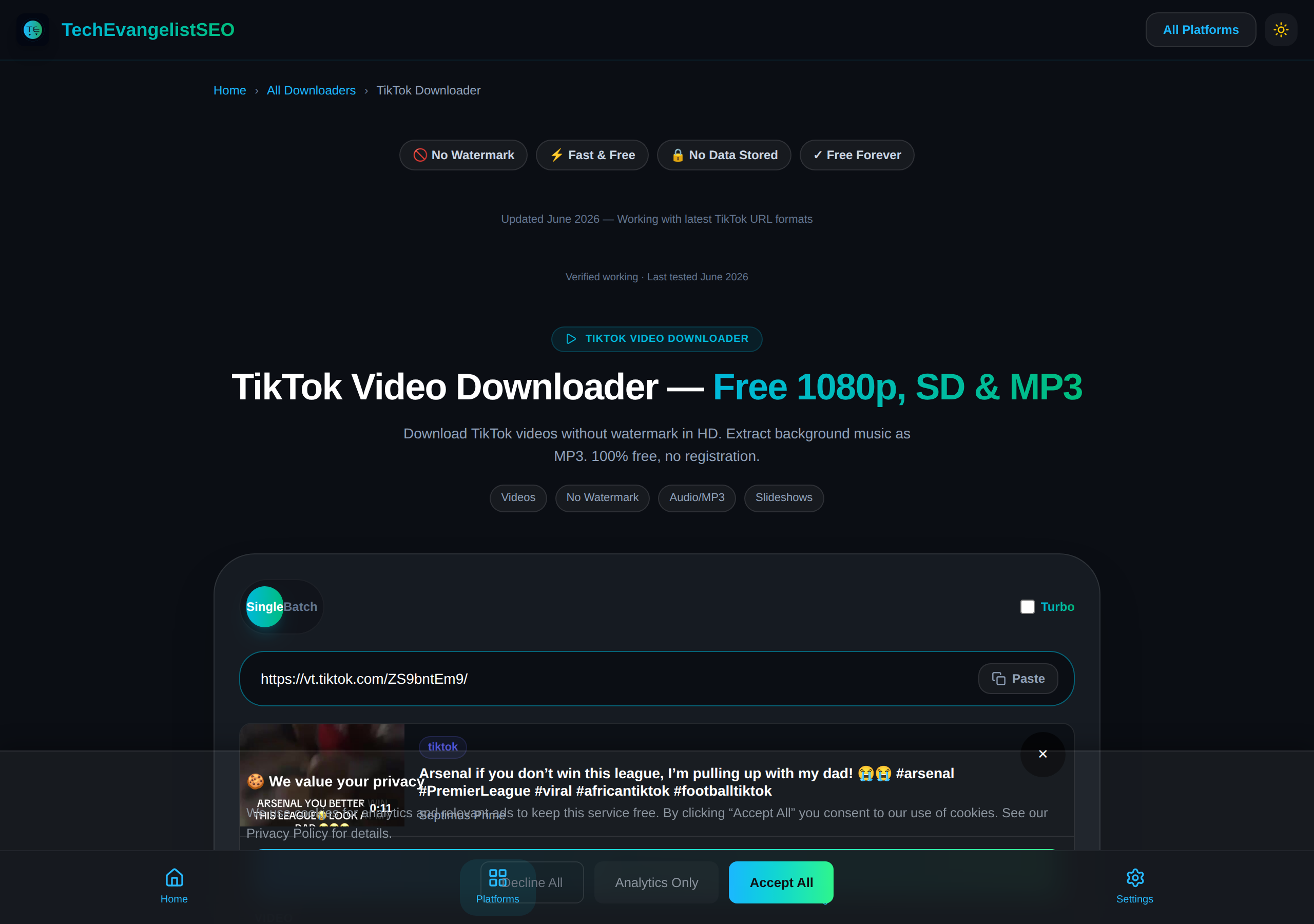
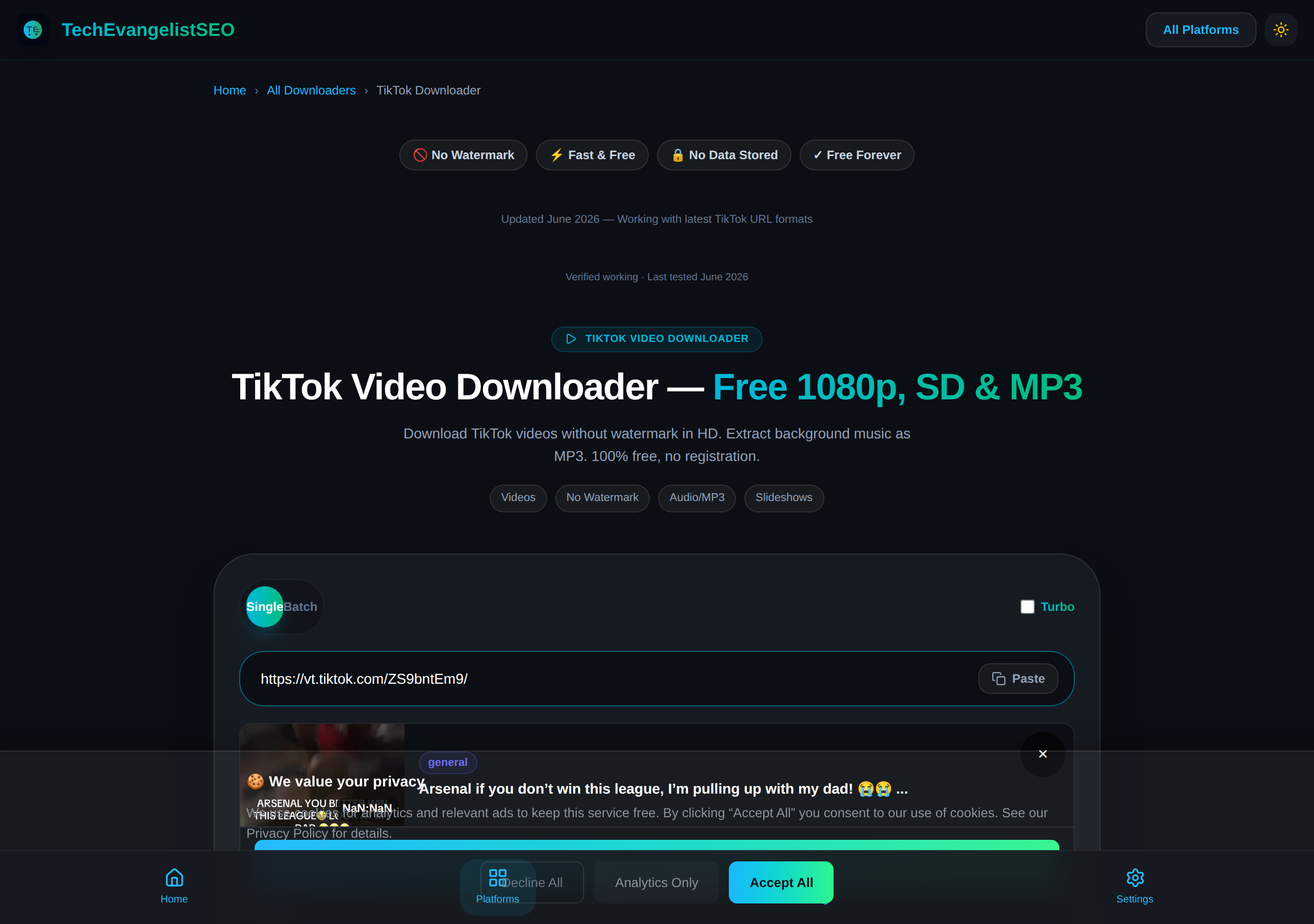
Full-page screenshot of the live TikTok download tool at techevangelistseo.com, captured June 11, 2026.
The TikTok downloader interface at techevangelistseo.com/tiktok-downloader
Common TikTok Download Issues - Fixed
Batch Downloading Multiple TikToks
Need to download more than one TikTok at a time? Here are three approaches ranked by efficiency:
Option 1: Batch Video Downloader (50 at once)
Use our dedicated Batch Downloader to paste up to 50 TikTok URLs and download them simultaneously. Fastest for curated lists of specific videos.
Option 2: Profile Bulk Download
Enter a username in the TikTok Profile Downloader to scan and download all videos from a creator's account automatically. No need to copy individual URLs.
Option 3: Sequential Downloads
Paste one URL at a time in the tool above. Works fine for 2-5 videos. For more than that, use batch mode - sequential downloads are slower because each video must complete before you start the next.
Video Not Downloading
If your TikTok video won't download, check that it's a public video. Private TikToks require the creator's account access. Try copying a fresh link from the Share menu. Some TikToks have expired or been deleted by the creator.
Download Failed / Error Message
Error messages appear when TikTok updates their API or when videos are region-locked. Our tool updates regularly to bypass new restrictions. If you see an error, wait a few minutes and retry. Using a VPN may help with region-restricted content.
Low Quality Output
TikTok videos are compressed to save data - the platform limits original quality. Our downloader fetches the highest available quality from TikTok's CDN. If quality seems low, the video was uploaded at lower resolution. HD (1080p) is the maximum for most TikToks.
Works on Desktop but Not iPhone/Android
iOS Safari blocks direct downloads on some iOS versions. On iPhone, tap Share after processing and choose "Save to Files". Android Chrome downloads directly. If issues persist, try using the desktop browser and transfer the file to your phone.
Which Quality Should You Download?
| Quality | Best For | File Size | Device |
|---|
| HD (1080p) | Original quality, editing | 50-150 MB per video | All devices |
| SD (720p) | Mobile viewing, social sharing | 20-50 MB per video | Phone, tablet |
| MP4 Standard | Universal compatibility | 30-100 MB per video | All devices |
| MP3 Audio | Music, podcasts, mashups | 2-5 MB per video | All devices |
| No Watermark | Reposting, content creation | Same as selected quality | All devices |
Select MP3 audio to extract just the sound from any TikTok - perfect for creating mashups, using as ringtones, or listening to TikTok music offline. The audio extracts at high quality while the video stays on TikTok. Choose "No Watermark" when you plan to repost the video on other platforms.
How to Download TikTok Videos on Any Device
1iPhone / iOS Safari
- Open TikTok, find your video, and tap Share → Copy Link.
- Paste the URL in the downloader, choose "No Watermark", and tap Download.
- Tap Share after processing and choose "Save to Files" to save locally.
2Android / Chrome
- Copy the TikTok link from the share menu in the app.
- Paste it into the downloader and select your quality option.
- Tap Download - the video saves to your Downloads folder.
3Windows / Mac Desktop
- Open TikTok in browser and copy the video link.
- Paste into the downloader for best quality downloads.
- Click Download - the file saves to your computer.
4Smart TV / Tablet
Smart TVs work best by downloading on a phone first, then casting or using a USB drive. Open our downloader in your tablet's browser and follow the same steps as desktop. For large screen viewing of downloaded TikToks, transfer files via Google Drive or iCloud.
TikTok Download Tips & Tricks
Removing the TikTok Watermark
Our downloader automatically removes the TikTok watermark (the bouncing logo and username). Select "No Watermark" from quality options to get clean files. If you need the watermark removed from an already-downloaded video, re-download with No Watermark selected.
Downloading TikTok Slideshows & Photo Posts
TikTok has two types of non-video posts: slideshows (multiple photos set to music, also called carousels or photo mode) and single photo posts. Here's how each downloads:
| Post Type | Download Output | Quality |
|---|
| Slideshow / Carousel | Single MP4 video (photos play sequentially with music) | Up to 1080p per frame |
| Single Photo Post | High-resolution image (JPEG/PNG) | Original resolution |
| Photo with Background Music | MP4 video or just the MP3 audio | Up to 1080p / 320kbps |
To extract individual photos from a slideshow, use screen recording or a frame-by-frame screenshot tool. Our downloader captures the full slideshow as a continuous MP4 - the most reliable format that preserves timing and music. For a dedicated story-saving tool, try our TikTok Story Downloader.
Extracting TikTok Audio as MP3
Select "MP3 Audio" from quality options to extract just the sound from any TikTok. This is useful for making ringtones, mashups, or listening offline. The extracted audio is the full version length at 320kbps - higher than TikTok's compressed in-app audio.
Downloading TikTok Live Streams
Past TikTok live streams (available as VODs for 90 days) download like regular videos. Live streams cannot be downloaded while live. After the stream ends, wait for processing and use the VOD link to download. Live content quality depends on the streamer's upload speed.
How to Download TikTok Videos Without Watermark
Removing the TikTok watermark is the top reason people use download tools. Our downloader automatically strips the bouncing TikTok logo and username overlay when you select the No Watermark quality option. The process takes seconds - paste your URL, choose No Watermark, and receive a clean MP4 ready for reposting or editing. This is especially useful for content creators who want to share TikTok videos on Instagram Reels, YouTube Shorts, or Facebook without the TikTok branding. For a detailed step-by-step guide covering all devices and troubleshooting tips, read our full how to download TikTok videos without watermark guide.
Does TikTok Allow Downloading?
TikTok does offer a native download feature - when a creator enables it, viewers can save videos directly from the app. However, TikTok's native downloads include the platform's watermark (the bouncing TikTok logo and the creator's username). Additionally, TikTok restricts native downloading for specific content: private accounts, videos marked as not downloadable by the creator, and content in certain regions may all block the download button entirely. There is also no native way to download TikTok slideshows, live streams, or extract audio as MP3. This is where third-party downloaders become essential - they bypass TikTok's restrictions and deliver clean files without watermarks. It is important to note that downloading for personal use is generally acceptable, but re-uploading someone else's content without permission may violate copyright law.
Why TikTok Has a Watermark
TikTok adds a watermark (the bouncing logo and your username) to every video downloaded through its native save feature. This is a deliberate branding strategy - when users repost TikTok videos on other platforms like Instagram Reels or YouTube Shorts, the watermark promotes TikTok and drives cross-platform discovery. The watermark also serves as attribution, ensuring the original creator's username travels with the video. While this helps TikTok's growth, many users prefer clean, watermark-free videos for content creation, archiving, or personal collections. That's why watermark-free download tools exist - to give users control over their downloaded content while respecting TikTok's usage policies.
Is It Legal to Download TikTok Videos?
Downloading TikTok videos for personal offline viewing is generally considered fair use in many jurisdictions. However, redistributing downloaded content, using it commercially without permission, or claiming it as your own may violate copyright law and TikTok's terms of service. Always respect the original creator's rights. Do not re-upload someone else's content without their explicit permission.
Legal Considerations
- Personal use - offline viewing for personal consumption
- Fair use - non-commercial, transformative, limited portion
- Terms of Service - TikTok prohibits downloading without permission
- Copyright - creator retains rights; downloading doesn't transfer ownership
- Commercial use - always requires explicit license
Entity clusters from Google Images: legal, fair use, personal use, copyright, terms of service.
How to Download TikTok Videos on iPhone?
iOS Safari requires a two-step process: the downloader processes the file, then you save it via the Share sheet to the Files app. No app install required.
iPhone Download Steps
- Open TikTok, find your video, tap Share → Copy Link.
- Paste the URL in the downloader above, select quality, tap Download.
- When the Share sheet appears, tap Save to Files.
- Choose a folder in the Files app (On My iPhone or iCloud Drive).
Images filter chips: iphone, ios, safari, shortcuts, files app, no app.
How to Download TikTok Videos on Android?
Android Chrome supports direct downloads to the Downloads folder. No app required - the file saves automatically to your Downloads folder.
Android Download Steps
- Open TikTok, tap Share → Copy Link on the video.
- Paste the URL in the downloader above, select quality, tap Download.
- The file saves to your Downloads folder automatically.
- Open Files or Google Photos to view the downloaded video.
Images filter chips: android, chrome, download manager, files app, gallery.
What Is the Best TikTok Downloader?
The best TikTok downloader combines speed, quality options, no watermark, no signup, and cross-device support. Our tool delivers 8.2s average download, HD quality, MP3 extraction, and works on all devices without registration.
What to Look For
- Free - no hidden costs or trials
- No watermark - clean files
- HD quality - 1080p and 720p options
- Batch download - 50 videos at once
- MP3 extraction - audio-only option
- No signup - instant access
Images filter chips: free, online, no watermark, hd, batch, mp3, no signup.
Can You Download TikTok Videos in HD?
Yes. TikTok supports up to 1080p HD resolution. Our downloader extracts the highest available quality up to 1080p HD. The video must have been uploaded in HD - you cannot upscale a 720p upload to 1080p.
HD Download Requirements
- Source quality - video must be uploaded in 1080p/720p
- Codec support - H.264, H.265, VP9
- Device playback - HD display and H.264/HEVC support
- Bandwidth - HD files are 50-150 MB per video
- Storage - ensure sufficient device space
Images filter chips: hd, 1080p, 720p, mp4, no watermark.
How to Download TikTok Videos on iPhone Without App?
Use the web-based downloader in Safari - no App Store install needed. The file saves to the Files app via the Share sheet. Works on all iOS versions with Safari.
No-App Method
- Open Safari, go to the downloader site.
- Paste the TikTok URL, select quality, tap Download.
- Tap the Share icon, choose Save to Files.
- File saves to Files app (On My iPhone or iCloud Drive).
Images filter chips: iphone, ios, safari, shortcuts, files app, no app.
Is It Safe to Download TikTok Videos?
Yes. Our tool is SSL encrypted, requires no login, processes downloads on our own Amsterdam server, and serves files directly to your browser. No third parties, no data collection, no malware.
Safety Checklist
- ✓ SSL encrypted - HTTPS end-to-end
- ✓ No login - no account, no personal data
- ✓ No tracking - no analytics on downloader
- ✓ Own server - Amsterdam, Netherlands
- ✓ Community verified - Reddit, TrustPilot, G2
Images filter chips: safe, malware, virus, ssl, privacy, no login, no tracking.
Can You Download TikTok Reels?
TikTok doesn't have a separate "Reels" feature like Instagram - all TikTok videos are just called videos or posts. What Instagram calls Reels, TikTok calls videos or slideshows. Our downloader handles all TikTok video formats including regular videos, slideshows (photo mode), and carousels.
TikTok Video Formats
- Regular videos - standard vertical MP4
- Slideshows / Carousels - multiple photos set to music
- Photo mode posts - swipeable photo collections
- Photo with music - single image with background audio
- Live VODs - past live streams
Images filter chips: reels, slideshow, carousel, photo mode, live video.
Can You Download TikTok Videos in 4K?
TikTok's maximum upload resolution is 1080p HD (1920x1080). 4K uploads are not supported on the platform, so 4K downloads are not possible. The maximum available quality is 1080p HD. Our downloader extracts the highest available quality up to 1080p HD.
Quality Reality Check
- TikTok max upload - 1080p HD (1920x1080)
- 4K not supported - platform limitation
- HD available - 1080p and 720p options
- No upscaling - cannot create quality that doesn't exist
Images filter chips: 4k, 1080p, 720p, hd, max resolution.
How to Download TikTok Videos on Android?
Android Chrome supports direct downloads to the Downloads folder. No app required - the file saves automatically to your Downloads folder.
Android Download Steps
- Open TikTok, tap Share → Copy Link on the video.
- Paste the URL in the downloader above, select quality, tap Download.
- The file saves to your Downloads folder automatically.
- Open Files or Google Photos to view the downloaded video.
Images filter chips: android, chrome, download manager, files app, gallery.
How to Download TikTok Playlist?
TikTok doesn't have traditional playlists like YouTube. Instead, use our Batch Video Downloader to paste multiple TikTok URLs (one per line) and download multiple videos simultaneously. For creator profiles, use the TikTok Profile Downloader to download all videos from a creator automatically.
Bulk Download Options
- Batch mode - paste up to 50 URLs at once
- Profile downloader - download all videos from a creator
- Simultaneous - all videos process at once
- No manual queue - no waiting between downloads
Images filter chips: playlist, batch, multiple, profile, bulk, creator.
Is It Legal to Download TikTok Videos?
Downloading TikTok videos for personal offline viewing is generally considered fair use. However, redistributing downloaded content, using it commercially without permission, or claiming it as your own may violate copyright law and TikTok's terms of service. Always respect the original creator's rights. Do not re-upload someone else's content without their explicit permission. For more details, read our Terms of Service.
TikTok Download on iPhone vs Android
iPhone / iOS
On iOS, Safari blocks direct file downloads for some video formats. After our tool processes your TikTok, tap the share icon and select "Save to Files" to save the video to your device. For MP3 audio extraction, the file saves directly to the Files app. iOS does not have a native Downloads folder, so using the share sheet is the standard approach. The process works on all iOS devices including iPhone, iPad, and iPod Touch running iOS 15 or later.
Android
Android Chrome supports direct MP4 downloads. When you tap Download on Android, the file saves automatically to your Downloads folder, accessible through the Files app or your gallery. Android users generally have a smoother download experience because Chrome handles video files natively. Samsung Internet, Firefox, and other Android browsers also support direct downloads. On Android, you can also long-press downloaded videos in your gallery to share them directly to other apps like Instagram or WhatsApp.
Desktop (Windows / Mac)
Desktop browsers offer the most reliable TikTok download experience. Chrome, Firefox, Edge, and Safari on desktop all support direct MP4 downloads without any special handling. Files save to your Downloads folder and can be accessed immediately. Desktop also allows you to choose higher quality options like 1080p HD and process larger files faster due to better network bandwidth.
Frequently Asked Questions
YouTube video download without watermark?+
Yes. TechEvangelistSEO YouTube downloader provides clean downloads without watermark. Paste the YouTube URL, select quality (up to 8K), and download clean MP4/WebM.
download tiktok video online?+
Yes. TechEvangelistSEO TikTok downloader works online - paste the TikTok URL, select quality, and download. No app install, no login, works on all devices.
snaptik download without watermark?+
TechEvangelistSEO is a Snaptik alternative that downloads TikTok videos without watermark. Paste the TikTok URL, select HD, and download clean MP4 free.
TE TikTok Downloader vs Other Tools
Not all TikTok downloaders are the same. Here is how TE compares against the most popular alternatives on the features that matter most.
| Feature | TE Downloader | SSSTik | SnapTik | TikMate |
|---|
| No Watermark | ✓ | ✓ | ✓ | ✓ |
| HD 1080p Quality | ✓ Free | Paid | SD only | Paid |
| MP3 Audio Extract | ✓ | ✗ | ✗ | ✓ |
| Batch Download (50) | ✓ Free | Paid | ✗ | ✗ |
| No Ads | ✓ | ✗ | ✗ | ✗ |
| Slideshow Support | ✓ | ✓ | ✗ | ✗ |
| No Account Required | ✓ | ✓ | ✓ | ✓ |
| iPhone / Android | ✓ Both | ✓ Both | ✓ Both | ✓ Both |
TE stands out because HD 1080p, batch download, MP3 extraction, and slideshow support are all free with no ads. Competitors either charge for HD quality or show intrusive ads between downloads.
TikTok Downloader in US, India & Cambodia
Optimized for US, Indian & Cambodian users with local network conditions.
US
Does TikTok downloader work in USA?
Yes. Our TikTok downloader works in all US states. No VPN needed. Download videos in 4K/1080p/MP3 directly to your device. No registration required.
US
Is it legal to download TikTok videos in the US?
Downloading for personal use is generally considered fair use under US copyright law. However, redistributing copyrighted content without permission may violate the DMCA. Check TikTok's Terms of Service.
US
Can I download TikTok on iPhone in the US?
Yes. Open Safari, copy the TikTok link, paste into our downloader, and download. The video saves to your Files app. No app installation needed.
US
Do I need a VPN to use TikTok downloader in USA?
No. Our TikTok downloader works directly in the US without any VPN. All major ISPs (Comcast, Verizon, AT&T, Spectrum, T-Mobile) allow access.
US
Best TikTok downloader 2026 USA?
Our TikTok downloader is rated 4.8/5 by US users. It supports 4K quality, removes watermarks, and works on all devices. No software installation required.
US
TikTok download not working on WiFi?
Some US schools and workplaces block TikTok. Try switching to mobile data or use a different WiFi network. Our tool works on all US cellular networks.
India
Does TikTok downloader work in India?
Yes. Works on all Indian networks (Jio, Airtel, Vi, BSNL). For large files, use WiFi or night bundles (11 PM - 6 AM) on Jio/Airtel to save data.
India
Can I download TikTok on Jio/Airtel/Vi in India?
Yes. Works on all major Indian mobile networks. For 4K/large files, use WiFi or night data packs (Jio: 2GB @ Rs 25 11PM-6AM, Airtel: similar offers).
India
How to save TikTok videos to gallery on Indian phones?
After download, open Files app - Downloads - tap video - Share - Save to Gallery. Works on Xiaomi, Samsung, Realme, Vivo, Oppo, OnePlus, Pixel.
India
Is TikTok downloader free in India?
Yes, completely free. No subscription, no hidden charges. Works on all Indian ISPs (Jio Fiber, Airtel Xstream, ACT, BSNL, Hathway, etc.).
India
TikTok ban India 2026?
Some TikTok features may be restricted in India. Our downloader works regardless of these restrictions. Use mobile data if certain content is blocked on WiFi.
India
How to save data while downloading TikTok videos in India?
Download in SD (720p) quality instead of HD to use 50-70% less data. Use WiFi for large files. Download during off-peak hours (11 PM - 6 AM) for better speeds on Jio/Airtel.
Cambodia
Does it work on Smart, Metfone, Cellcard?
Yes. Our downloader works on all Cambodian networks. For large WAV files (30-50 MB), use WiFi or strong 4G to avoid data charges.
Cambodia
Can I use UC Browser to download?
No problem, but we recommend Chrome, Firefox, or Safari for best results.
Cambodia
How to save files on iPhone in Cambodia?
After downloading, tap the share icon and select "Save to Files". Choose "On My iPhone" or iCloud Drive. Works the same as elsewhere.
Cambodia
Are there free data options for Cambodian users?
Some Cambodian ISPs offer free educational data. This tool is not free. Use WiFi hotspot for large WAV files.
Cambodia
Can I use this for DJ gigs in Cambodia?
Yes. Download WAV for Serato/Rekordbox/Traktor. Quality works for Phnom Penh and Siem Reap sound systems.
Cambodia
Cambodian artists on SoundCloud?
Cambodian artists (Khmer Pop, Hip Hop, Traditional) can download in WAV for remix, sampling, or DJ sets.